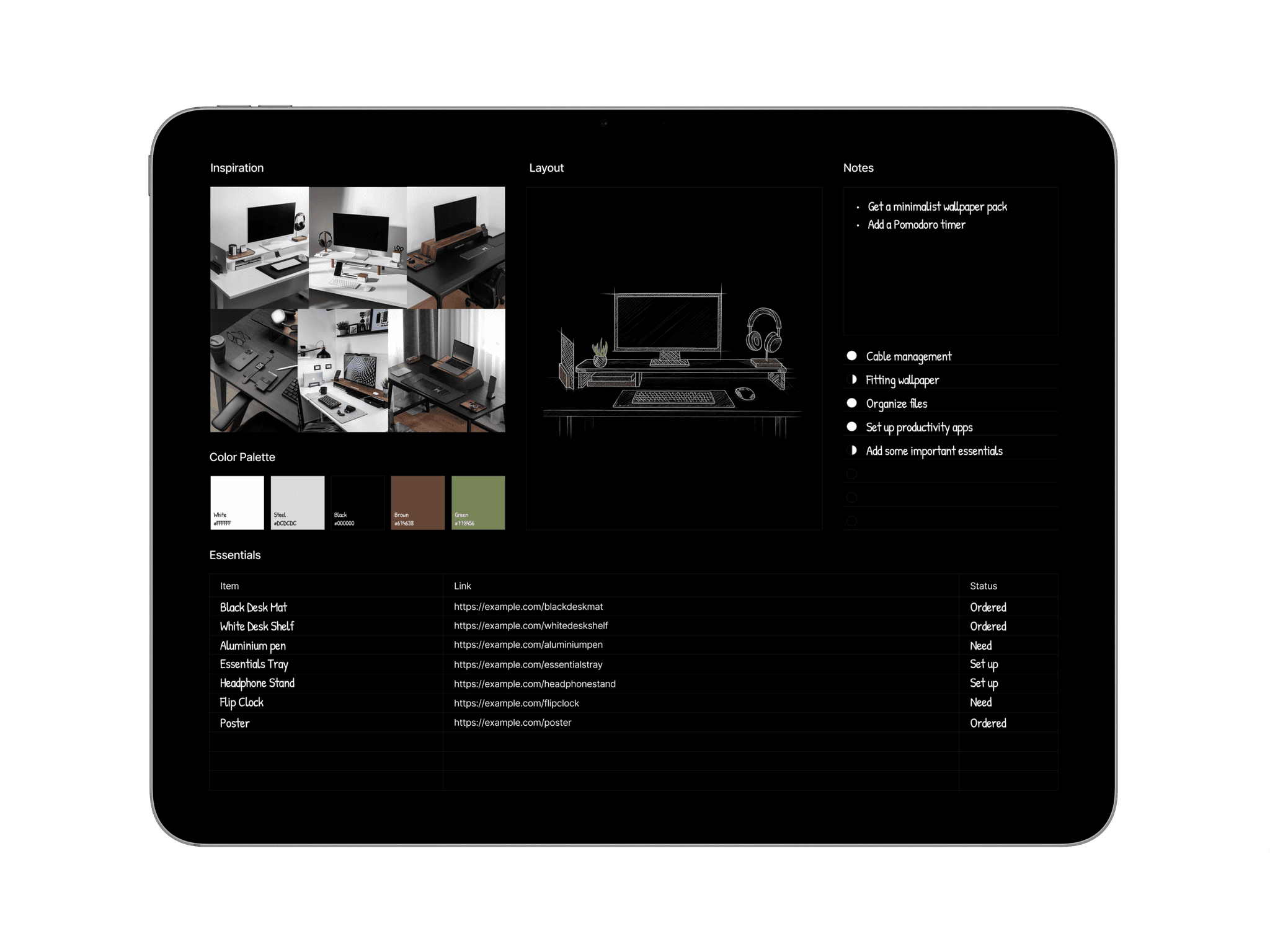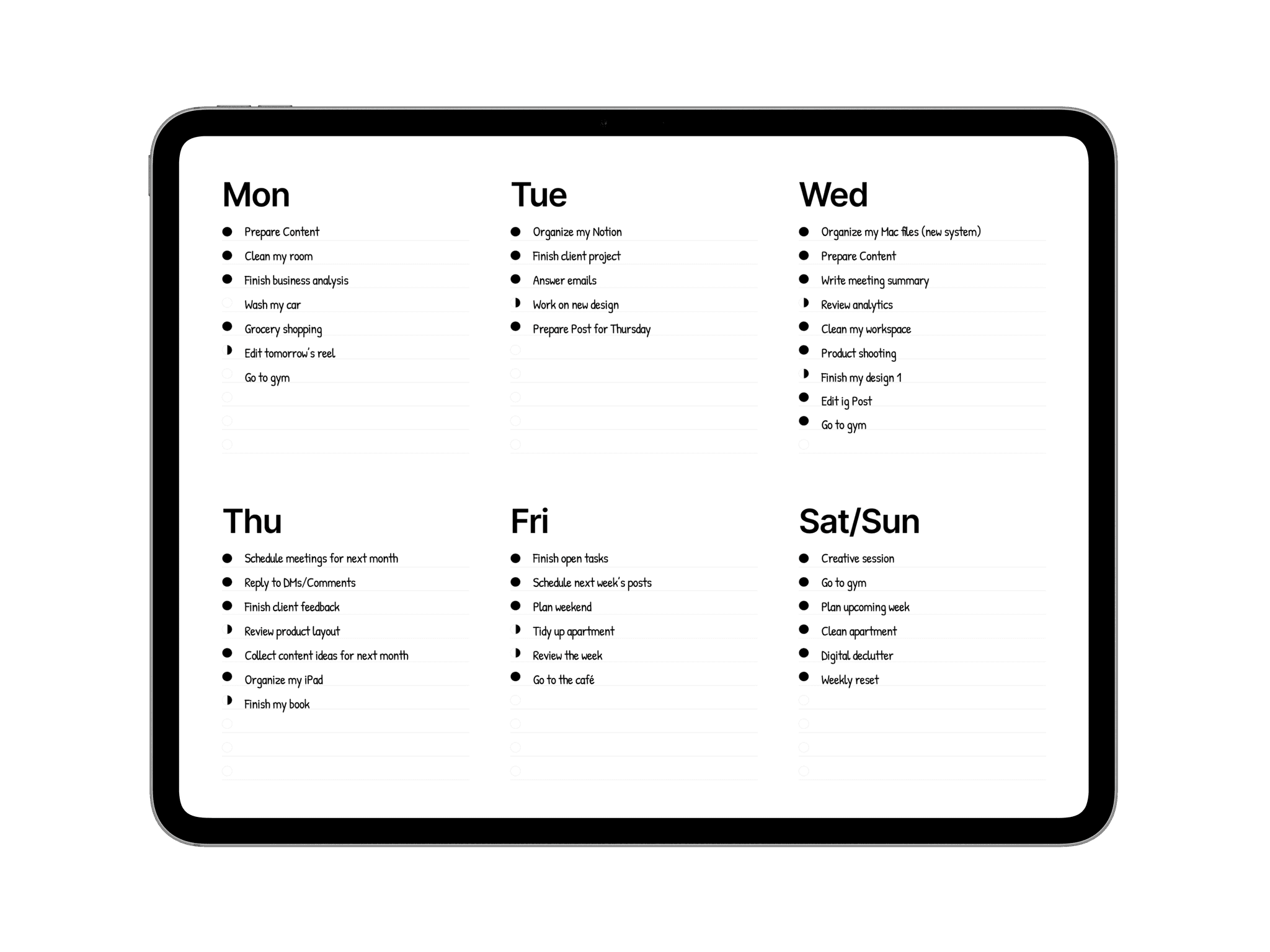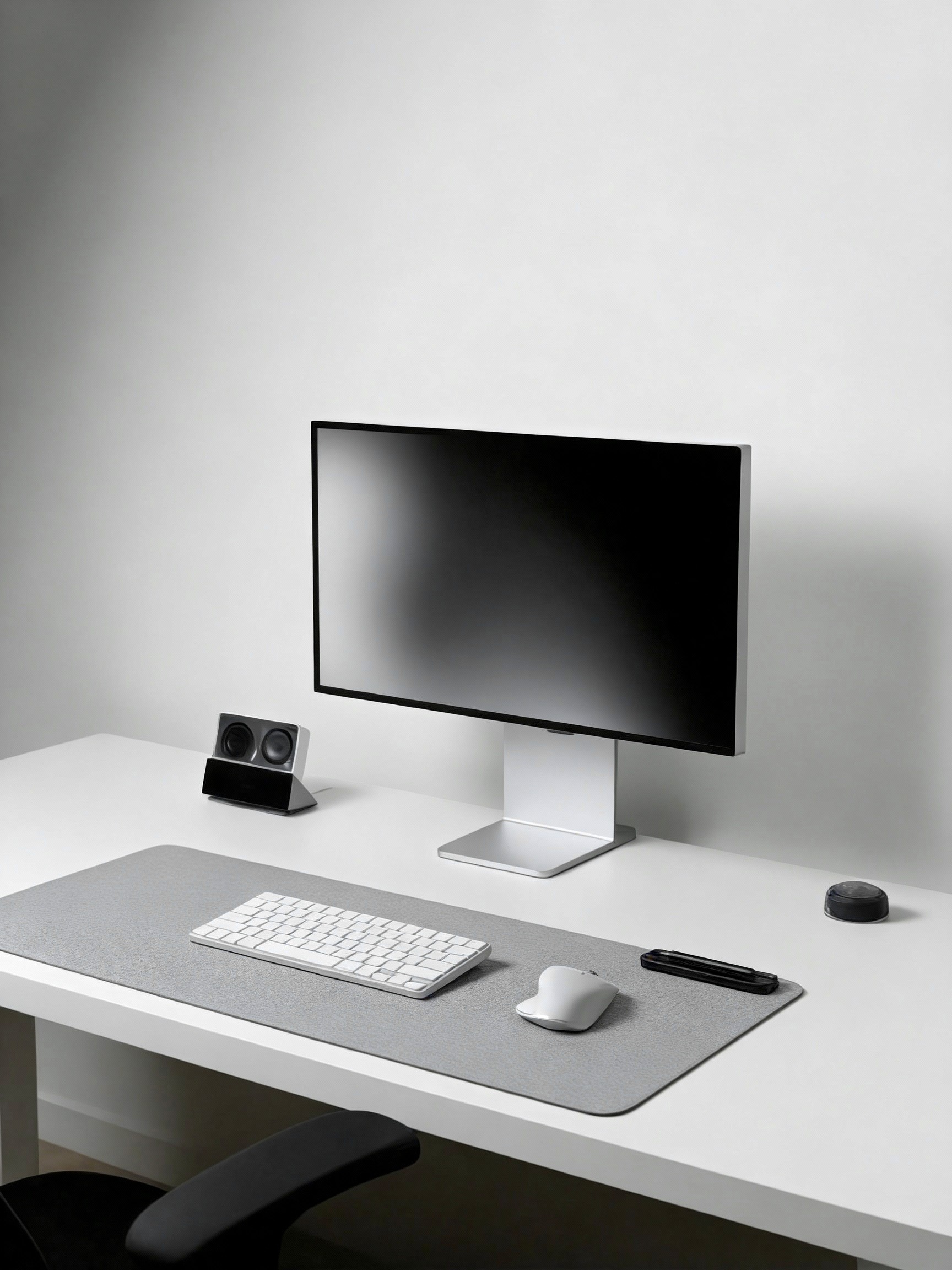
A clean desk has a way of changing how you work. Over time, even the most minimal setups slowly collect unnecessary items, things that once felt useful but now only add visual noise. The result is a workspace that feels less focused and harder to enjoy.
A minimalist desk reset is simply about creating space again. Not by replacing everything, but by refining what stays and letting go of what doesn’t. Small adjustments can make your desk feel lighter, more intentional, and easier to work at.
This article looks at simple ways to reset your desk and keep it feeling fresh, functional.
Step 1: Clear the Desk
Start by removing everything from your desk surface, including items you consider part of your daily setup.
This step is about creating a visual and mental reset. Seeing the desk completely empty helps break old habits and allows you to approach your workspace with a fresh perspective.
It becomes much easier to decide what truly deserves a place on your desk when nothing is there by default.
Step 2: Clean the Surface
With the desk cleared, take the time to properly clean the surface, monitor, and accessories.
Wipe away dust, fingerprints, and small marks that often go unnoticed during daily use. A clean surface immediately changes how the desk feels and makes the workspace more inviting.
This step sets the foundation for rebuilding your setup in a more intentional and considered way.
Step 3: Reintroduce Only the Essentials
Before placing anything back, take a moment to think about what you actually use every day.
Start with your core tools, keyboard, mouse, monitor, and main device, and slowly add only what directly supports your workflow. Leaving some empty space is intentional and helps reduce visual noise.
If an item doesn’t serve a clear purpose, it doesn’t need to return to the desk.
Step 4: Group Items by Function
Arrange items based on how they are used throughout the day.
Keep work tools within easy reach, place charging accessories in a dedicated area, and separate personal items from your main workspace.
Grouping items by function creates a more intuitive setup and reduces small interruptions caused by searching or unnecessary movement.
Step 5: Manage Cables and Small Accessories
Cables, adapters, and small accessories can quickly make a desk feel cluttered.
Take time to hide or reduce visible cables wherever possible, using cable clips, trays, or simple organizers.
Paying attention to these small details has a surprisingly large impact on how clean and organized the desk feels, even if nothing else changes.
Step 6: Add One Personal Element
A minimalist desk doesn’t have to feel empty or impersonal. If you want to add character, choose one intentional element such as a plant, lamp, or notebook you genuinely enjoy using.
Limiting yourself to a single decorative or personal item keeps the desk visually calm while still making the space feel considered and personal.
Step 7: Set a Simple Reset Habit
To maintain a clean and fresh workspace, build a simple reset habit into your routine.
At the end of the day or week, take a few minutes to return items to their place and remove anything that doesn’t belong on the desk.
This small habit prevents clutter from slowly building up and helps your workspace stay functional over time.
A minimalist desk reset isn’t something you do once and forget. It’s a simple way to step back, remove what no longer serves you, and realign your workspace with how you actually work. Small, intentional changes can make a noticeable difference in how your desk feels and how focused you are throughout the day.
By keeping your setup simple and revisiting it from time to time, your workspace stays fresh, functional, and easier to maintain.
For more tips, inspiration, and setup ideas, follow us on Instagram, Threads, and Pinterest.