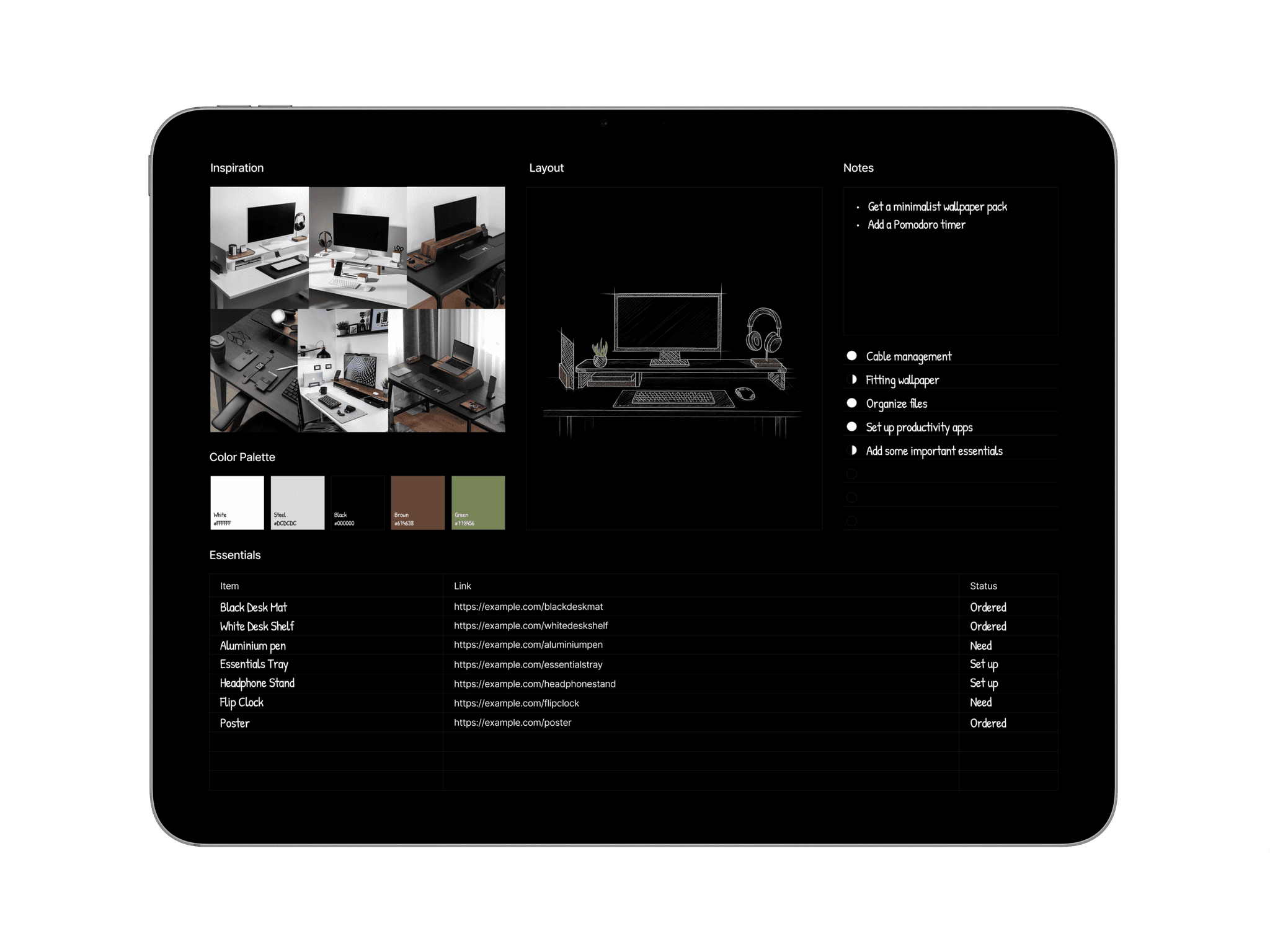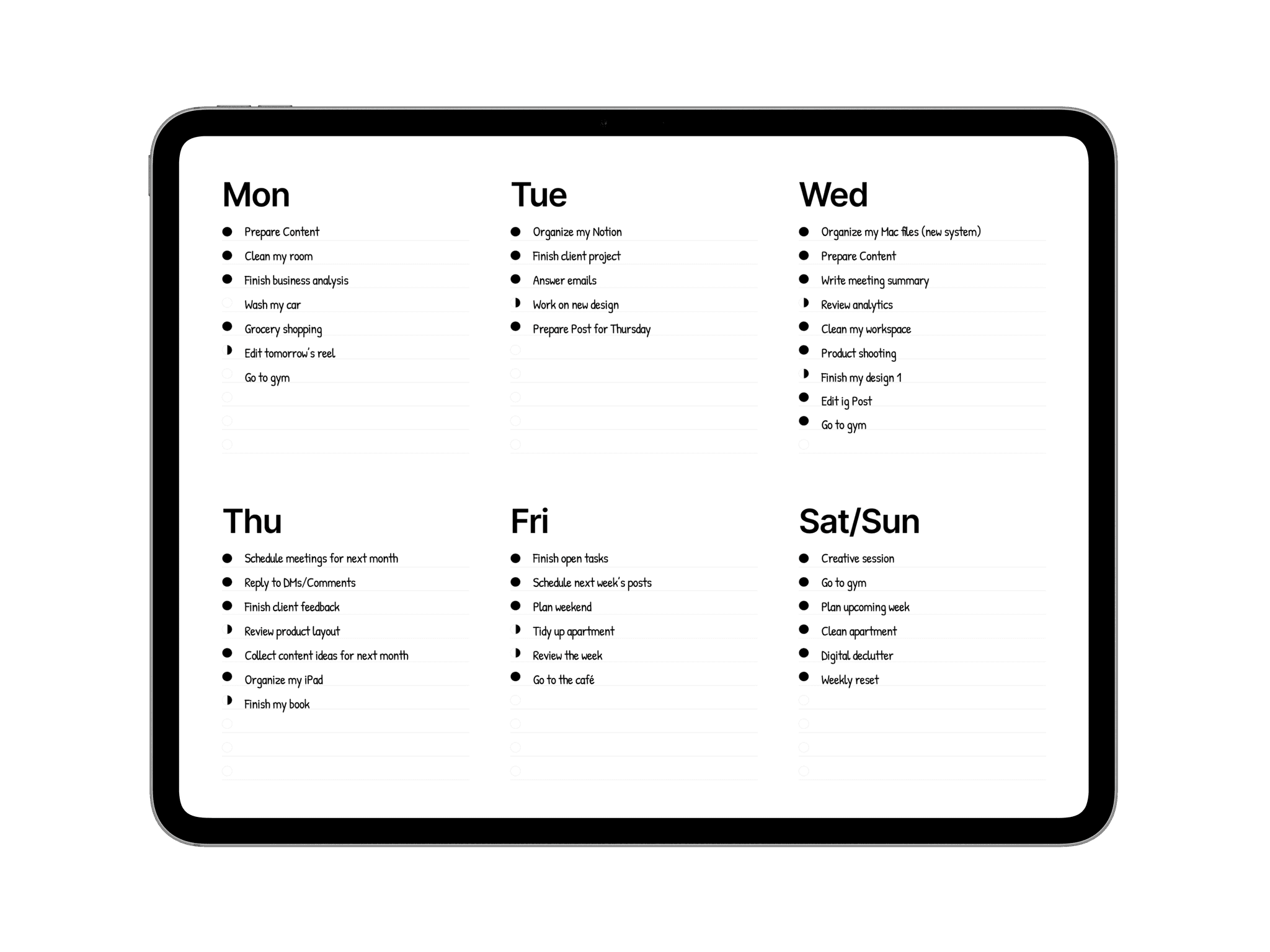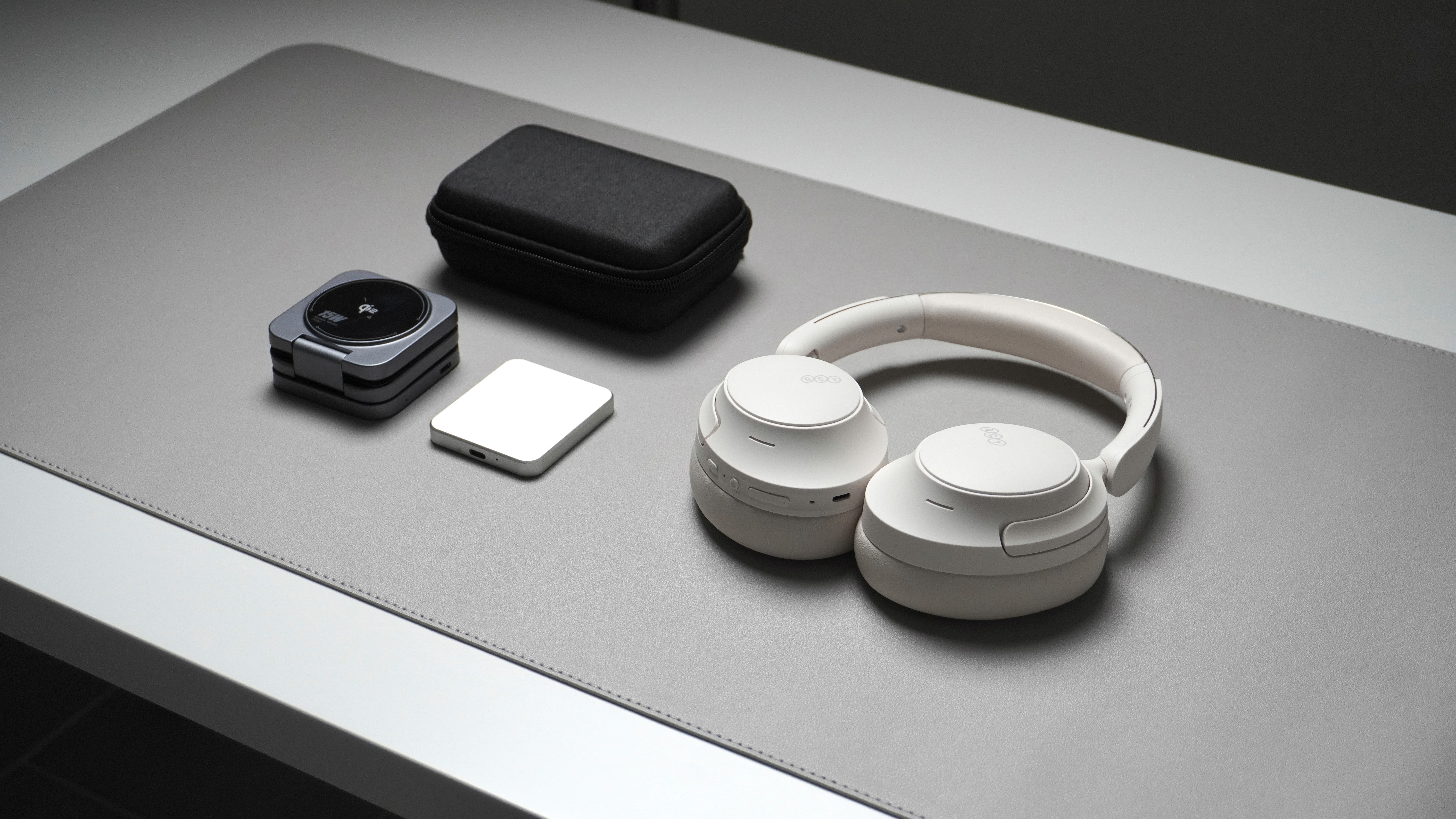
An organized desk isn’t just about keeping things tidy. It’s about supporting how you actually work. When tools are grouped by use, your workspace becomes easier to navigate, more efficient, and visually calmer.
Desk grouping focuses on placing related items together based on function and frequency of use. The tools you reach for most should be within easy reach, while less-used items stay neatly organized in the background. This approach reduces unnecessary movement, limits distractions, and creates a desk that feels intentional and effortless to work from.
Understand Your Daily Workflow
Effective desk grouping starts with awareness.
Before organizing, pay attention to how you move through your workday. Notice which tools you reach for first, which ones stay on your desk all day, and which ones are only used for specific tasks. This step is essential because a well-grouped desk should support your natural workflow, not fight against it.
Sort Tools by Frequency of Use
Once you understand your workflow, sort your tools based on how often you use them.
Daily essentials should be placed closest to you, ideally within arm’s reach. Tools used a few times a week can sit slightly further away, while rarely used items should be stored off the main desk surface. This creates a natural hierarchy that keeps your workspace visually calm and functional.
Group Tools by Function
After sorting by frequency, group items by purpose.
Writing tools belong together, tech accessories should stay in one place, and creative or planning tools form their own group. Grouping by function reduces decision fatigue and makes it easier to switch between tasks without disrupting your focus.
Create Purpose-Driven Desk Zones
With your groupings in place, define clear desk zones.
A focus zone holds your core tools, such as your keyboard, mouse, and main display. A secondary zone can support reference work or creative tasks, while a storage zone keeps less-used items organized and out of sight. Each zone should serve a clear role in your workflow.
Maintain Visual Balance
Desk grouping isn’t just about efficiency, it also affects how your workspace feels.
Leave space between groups to avoid visual clutter and allow the desk to breathe. Balanced spacing helps your setup feel intentional and makes it easier to stay focused over longer work sessions.
Review and Adjust Regularly
A grouped desk should evolve with your needs.
As projects change, take time to reassess your setup. Move tools that feel awkward, remove items you no longer use, and refine your zones as needed. Regular adjustments keep your workspace aligned with how you work.
Desk grouping creates clarity through structure. When tools are placed where they’re actually used, the workspace feels calmer, easier to maintain, and more intuitive to work from. Clear groupings reduce friction, limit distractions, and help the desk stay organized throughout the day.
With a few thoughtful adjustments, your workspace can support focus without constant rearranging. When everything has a purpose and a place, working at your desk starts to feel effortless.
For more tips, inspiration, and setup ideas, follow us on Instagram, Threads, and Pinterest.