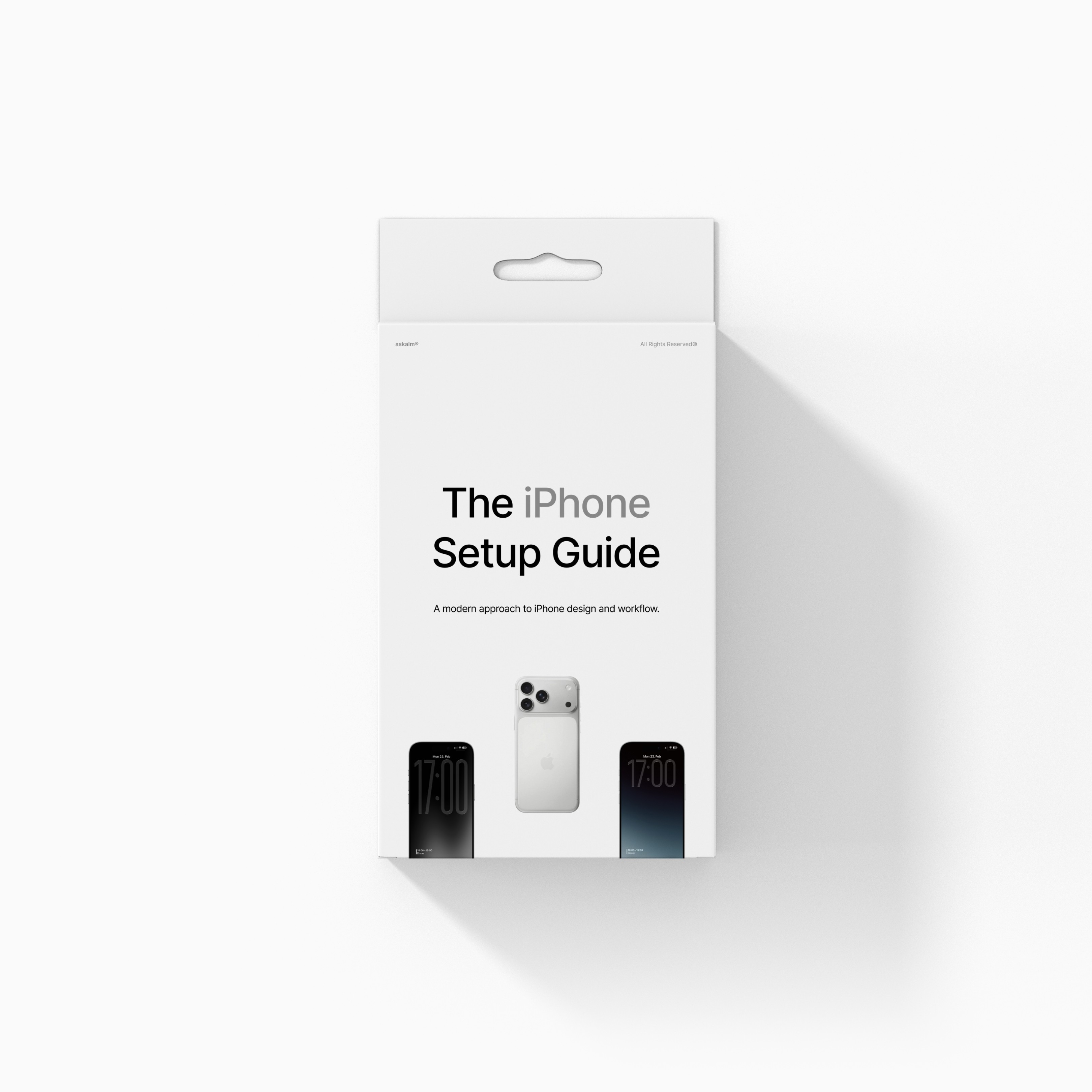
iPhone Setup Guide
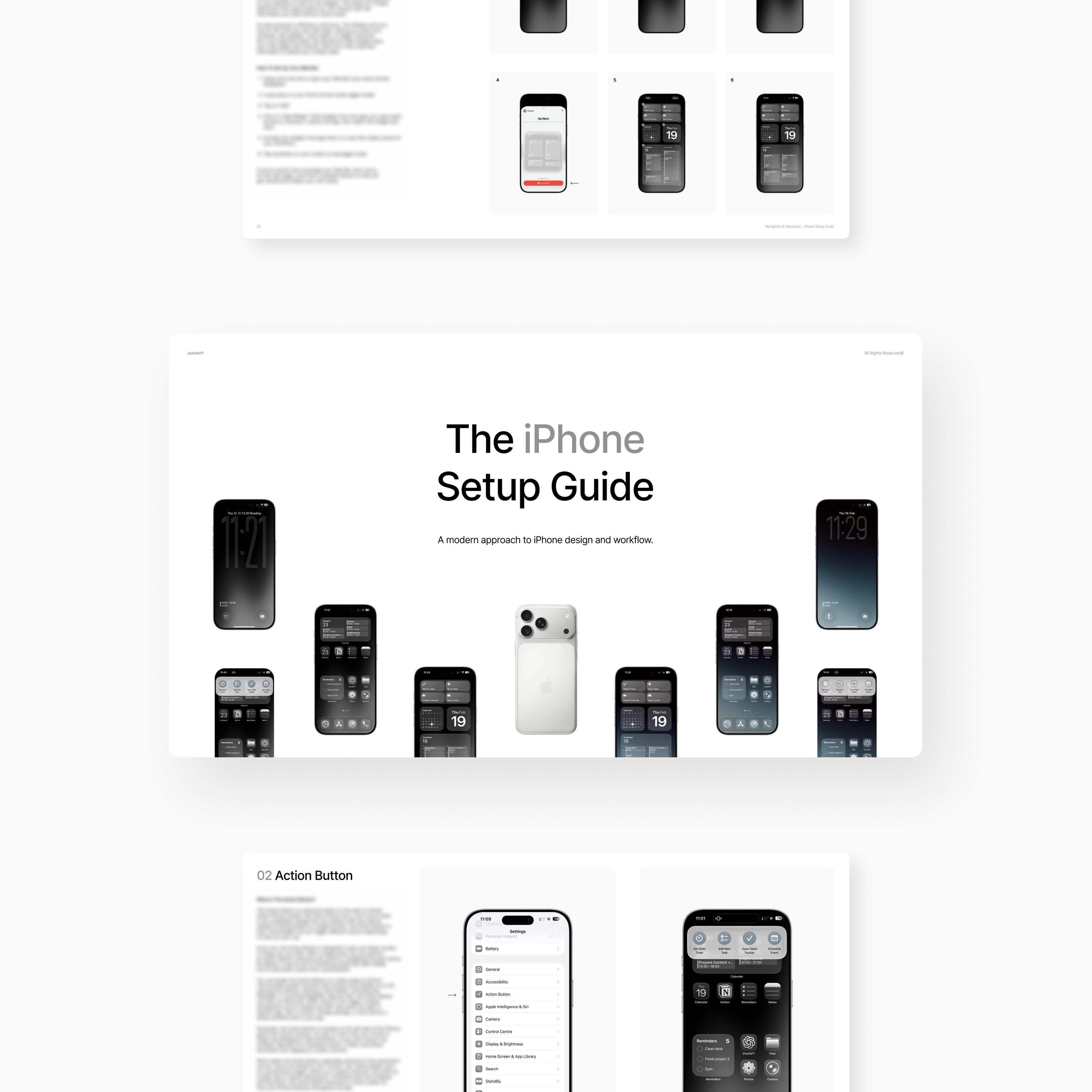
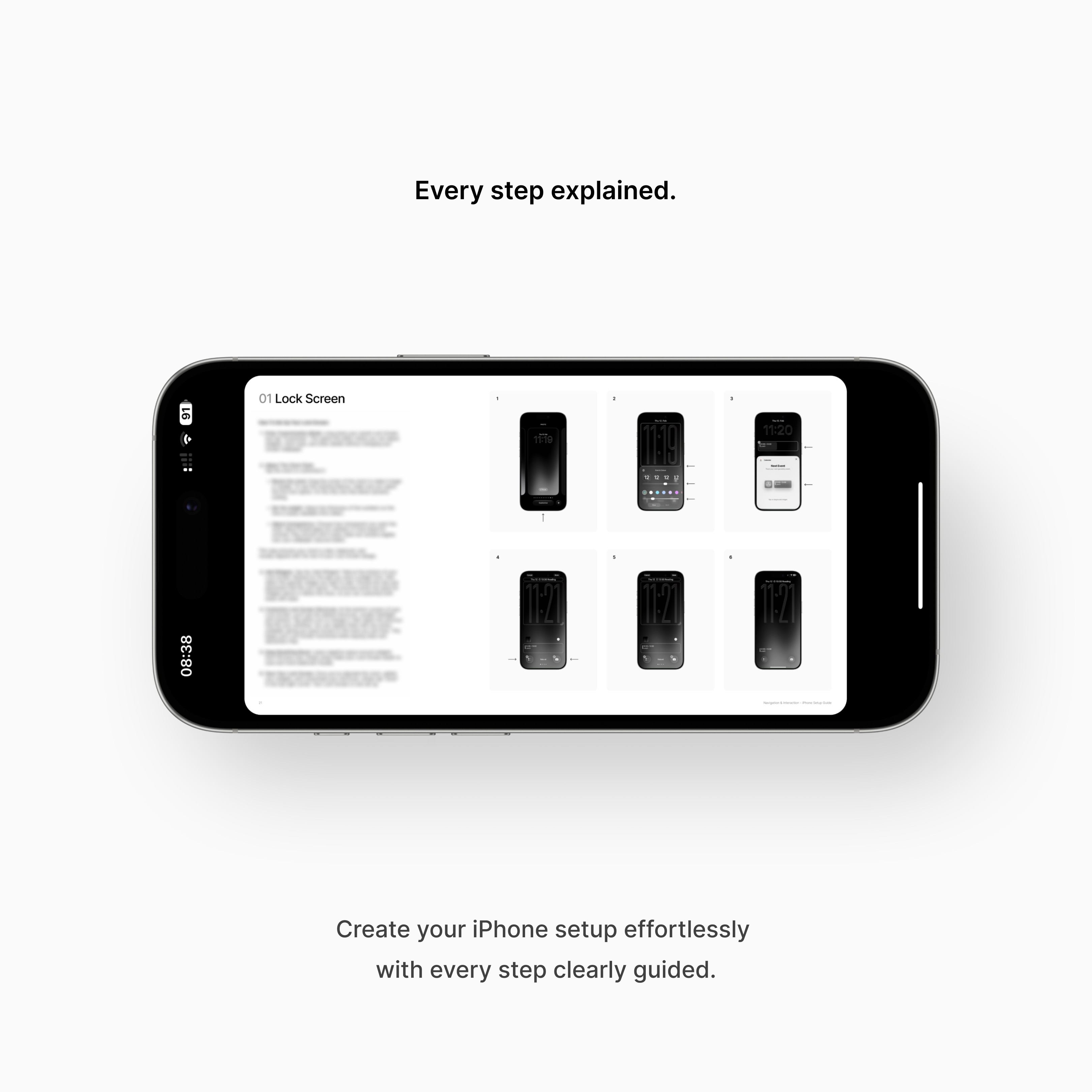
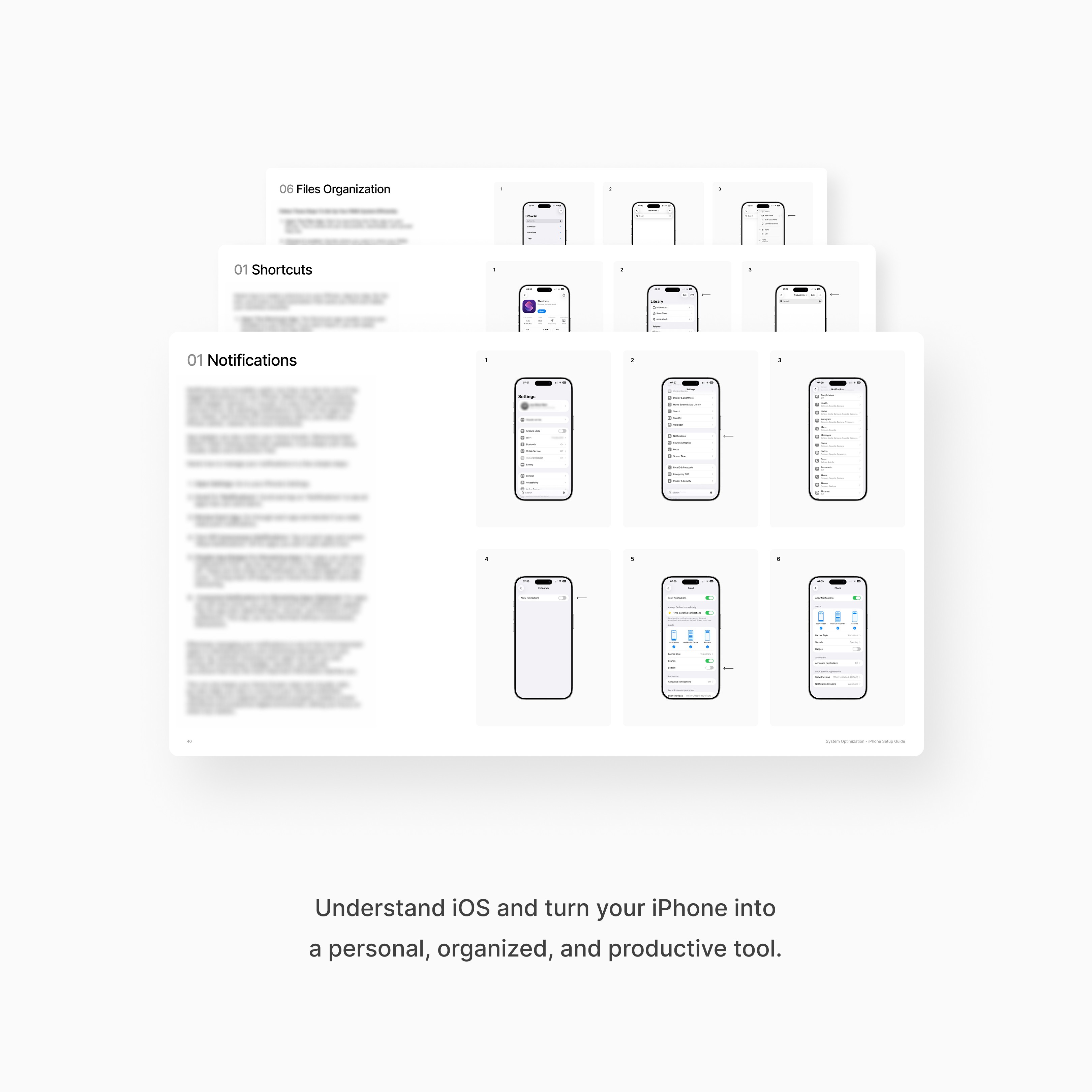
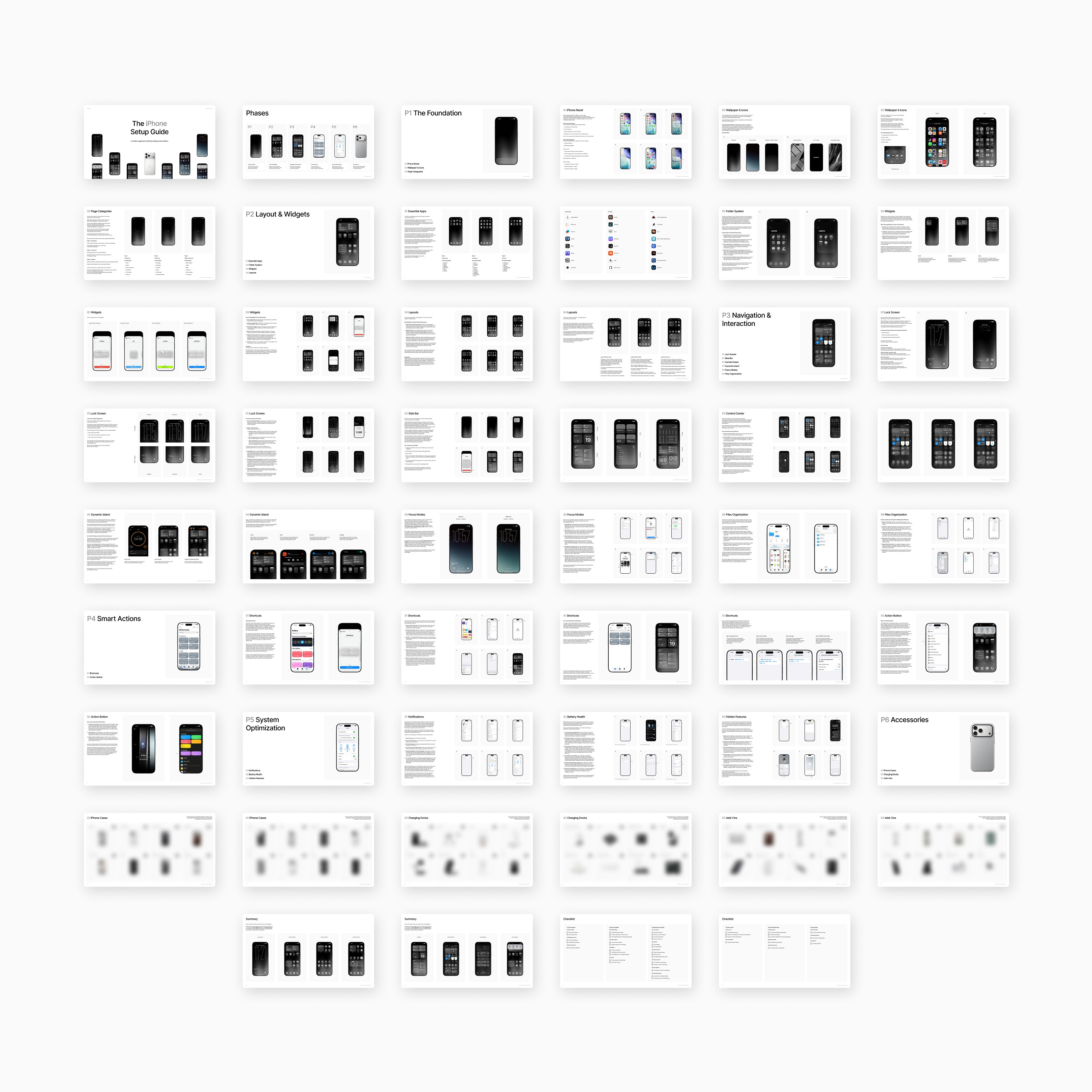

Step-by-Step guidance
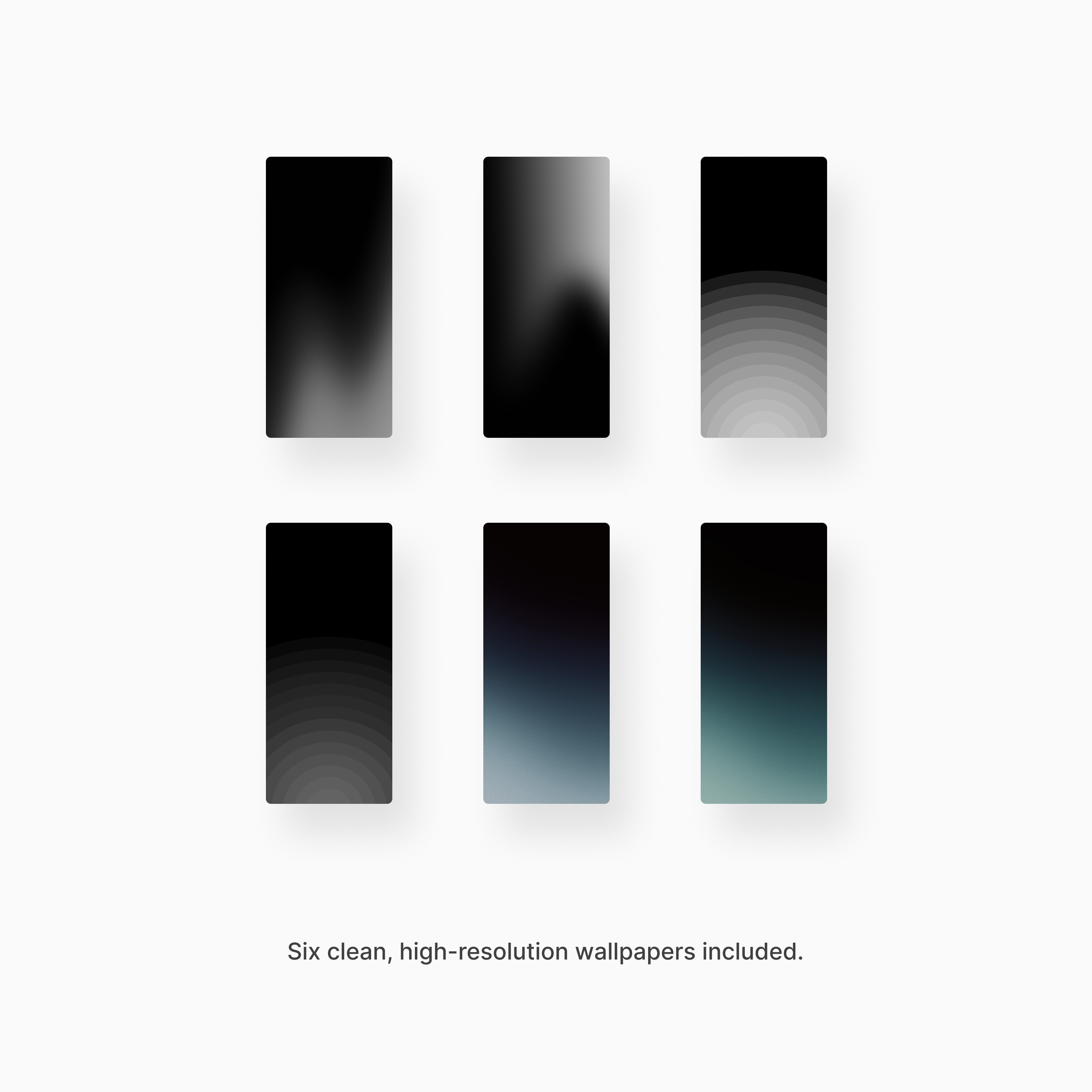
Wallpapers included
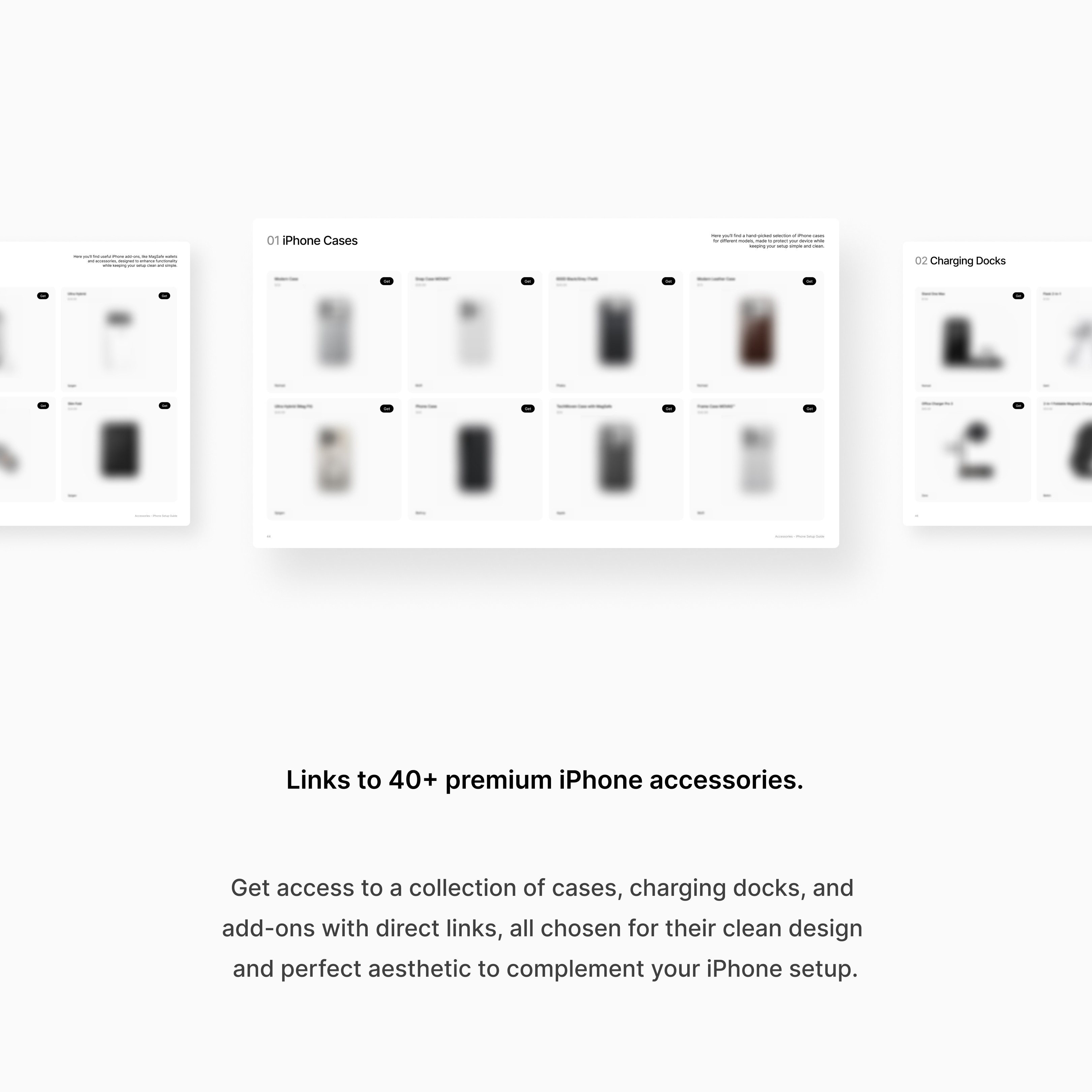
Interactive links
Purchase once, use forever
You'll get:
• The iPhone Setup Guide
• 6 high-resolution wallpapers
• Step-by-Step checklist
Product Description:
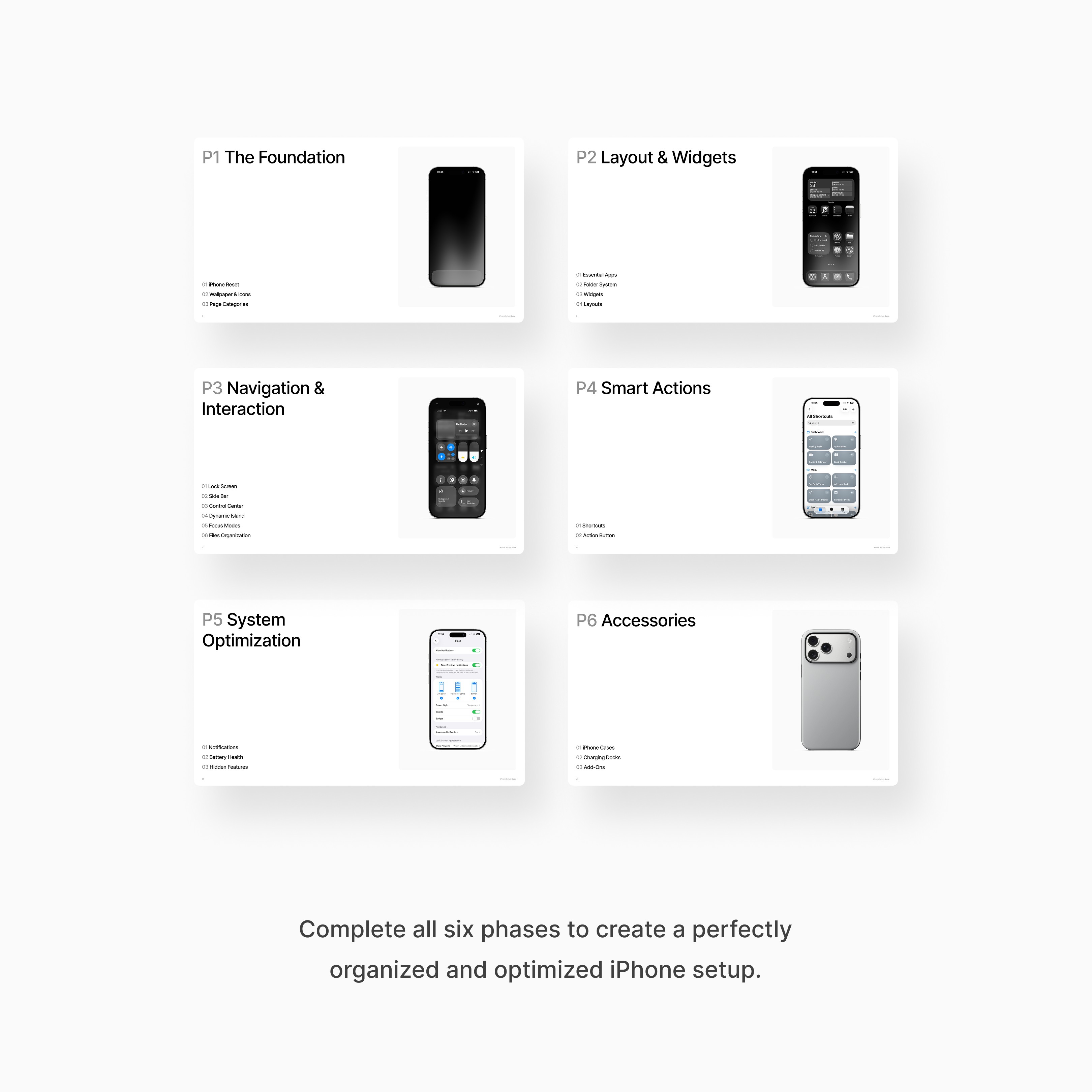
This guide helps you turn your iPhone into a personal, organized, and highly efficient tool. Step by step, you’ll learn how to understand iOS, arrange your apps and files, and use shortcuts and features that make your device work for you, not the other way around.
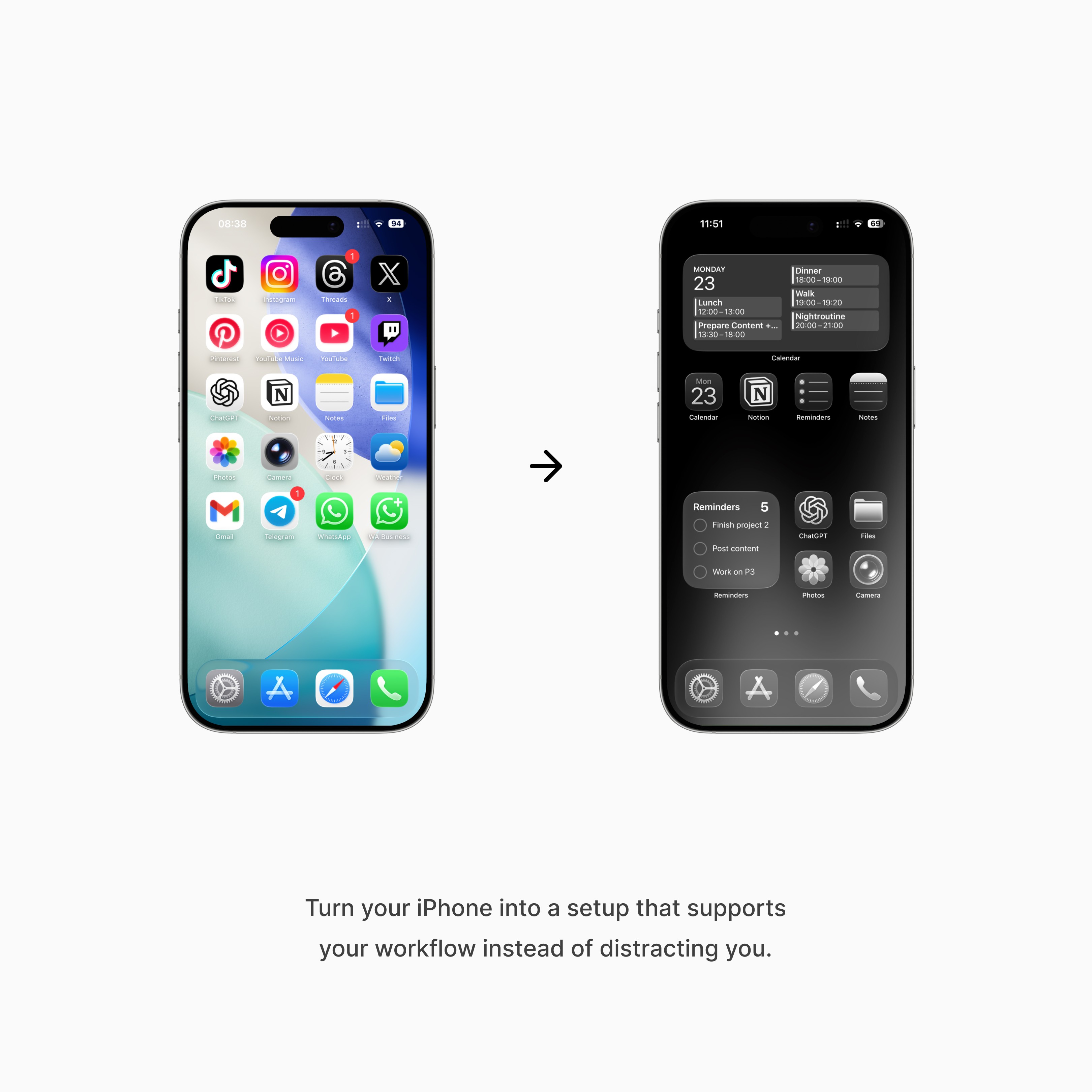
Every section is designed to be practical and easy to follow. You’ll discover how to create a clean, visually appealing layout that keeps you focused, organized, and productive throughout the day. Actionable steps make it simple to apply what you learn immediately.
Whether you want to improve your daily workflow, stay on top of tasks, or simply enjoy a beautifully organized iPhone, this guide gives you everything you need. One purchase gives you a tool you can use forever to maintain a clear, functional, and efficient device.
Note:
iOS 26 required
iPhone 13 or newer recommended
iPhone Setup Guide
Step-by-Step guidance
Step-by-Step guidance
Wallpapers included
Wallpapers included
Interactive links
Interactive links
Purchase once, use forever
Purchase once, use forever
You'll get:
• The iPhone Setup Guide
• 6 high-resolution wallpapers
• Step-by-Step checklist
Product Description:
This guide helps you turn your iPhone into a personal, organized, and highly efficient tool. Step by step, you’ll learn how to understand iOS, arrange your apps and files, and use shortcuts and features that make your device work for you, not the other way around.
Every section is designed to be practical and easy to follow. You’ll discover how to create a clean, visually appealing layout that keeps you focused, organized, and productive throughout the day. Actionable steps make it simple to apply what you learn immediately.
Whether you want to improve your daily workflow, stay on top of tasks, or simply enjoy a beautifully organized iPhone, this guide gives you everything you need. One purchase gives you a tool you can use forever to maintain a clear, functional, and efficient device.
Note:
iOS 26 required
iPhone 13 or newer recommended
iPhone Setup Guide
Step-by-Step guidance
Step-by-Step guidance
Wallpapers included
Wallpapers included
Interactive links
Interactive links
Purchase once, use forever
Purchase once, use forever
You'll get:
• The iPhone Setup Guide
• 6 high-resolution wallpapers
• Step-by-Step checklist
Product Description:
This guide helps you turn your iPhone into a personal, organized, and highly efficient tool. Step by step, you’ll learn how to understand iOS, arrange your apps and files, and use shortcuts and features that make your device work for you, not the other way around.
Every section is designed to be practical and easy to follow. You’ll discover how to create a clean, visually appealing layout that keeps you focused, organized, and productive throughout the day. Actionable steps make it simple to apply what you learn immediately.
Whether you want to improve your daily workflow, stay on top of tasks, or simply enjoy a beautifully organized iPhone, this guide gives you everything you need. One purchase gives you a tool you can use forever to maintain a clear, functional, and efficient device.
Note:
iOS 26 required
iPhone 13 or newer recommended